 Tucky
TuckyGuide the call. Review and export the notes.
Use customizable live guides during a call and optional feedback afterward. Review the summary, then export the notes into the sales workflow you already use.
Download free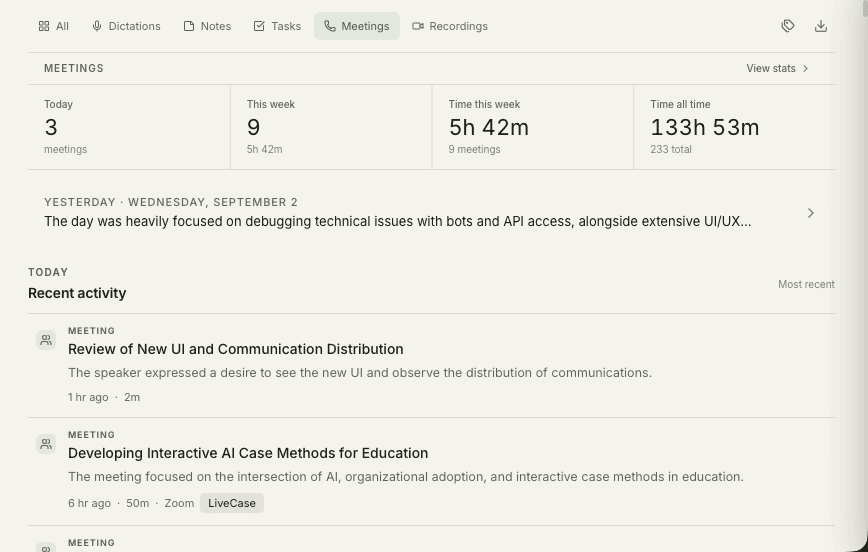
Most sales coaching arrives after the deal is already lost. A manager reviews the recording, spots the qualification question that never got asked, and delivers the feedback a week too late to change anything. Live guidance moves that moment inside the call, while the prospect is still on the line and the question can still be asked.
Tucky does not update your CRM automatically. Review the meeting summary, then paste or export the notes. A separate AI tool can use exported files or MCP access to help with follow-up workflows you configure.
Get coached while the prospect is still talking.
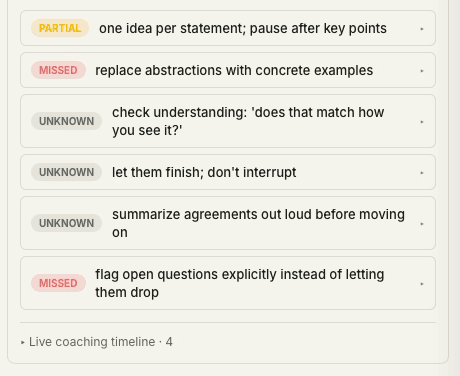
Set up a template for what a great discovery call covers — qualification, pain, budget, next steps. Tucky follows the live transcript, checks off what’s been covered, and suggests the next question in real time.
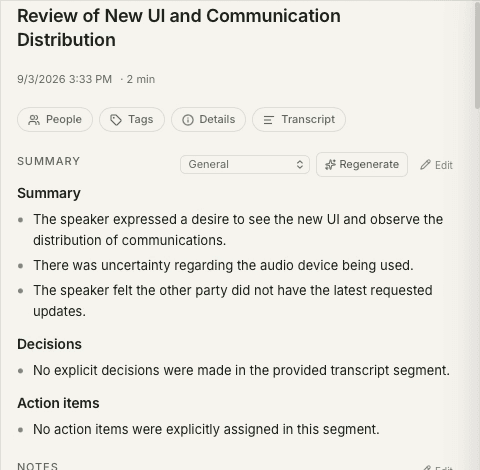
Notes that are already CRM-ready.
Tucky does not update your CRM automatically. Review the meeting summary, then paste or export the notes. A separate AI tool can use exported files or MCP access to help with follow-up workflows you configure.
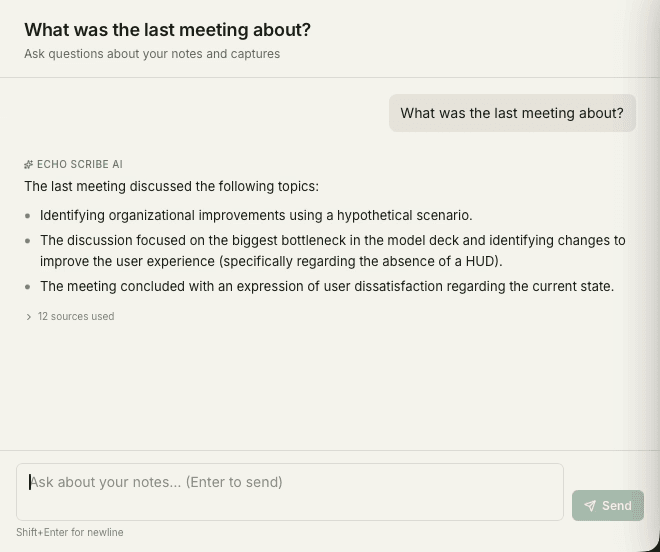
Ask your whole pipeline a question.
Search every discovery call by question — “who mentioned budget concerns this quarter?” — answered instantly from your own call history.
Frequently asked questions
Can I use our own qualification framework?
The call template is yours to define. If your team runs MEDDIC, BANT, SPICED, or something invented in-house, you set out the points a great call has to cover and Tucky tracks them against the live transcript. Separate templates for discovery, demo, and renewal calls are the usual setup.
Does it write to our CRM automatically?
Tucky does not update your CRM automatically. Review the meeting summary, then paste or export the notes. A separate AI tool can use exported files or MCP access to help with follow-up workflows you configure.
Can managers review calls without cloud access?
Recordings live on the rep’s own Mac, so there is no shared workspace a manager can browse. Review works by the rep exporting the transcript or summary of a particular call. That is a deliberate trade-off: nothing is centrally accessible, including to your own company.
Stop typing. Start talking.
Download Tucky for Mac. No Terminal or Homebrew required.
Open the DMG, drag Tucky to Applications, then open Tucky from Applications.
Developer ID signed and Apple-notarized.