 Tucky
TuckyIt starts with your voice. It builds into a memory of your work.
Dictate into any app, record meetings with live transcription and call guidance, capture screen walkthroughs, and search everything in one place — all locally on your Mac.
Download free
Tucky starts with the simplest thing: voice to text, everywhere on your Mac. Press a hotkey, speak, and clean text lands at your cursor — in an AI chat, an email, a doc, or your editor. From there it builds: meetings get recorded with a live transcript and call guidance, screen walkthroughs capture what’s easier to show than explain, and everything lands in one searchable memory.
Because every model runs on-device, there are no per-seat cloud fees, no upload waits, and no vendor holding your transcripts. The features below build on each other: speak it, capture it, remember it — then let recaps, chat, and reviews turn the archive into answers.
It all starts with your voice.
Dictation anywhere on your Mac, meetings that record themselves, and screen capture — the three ways work gets in.
Explore Capture & Record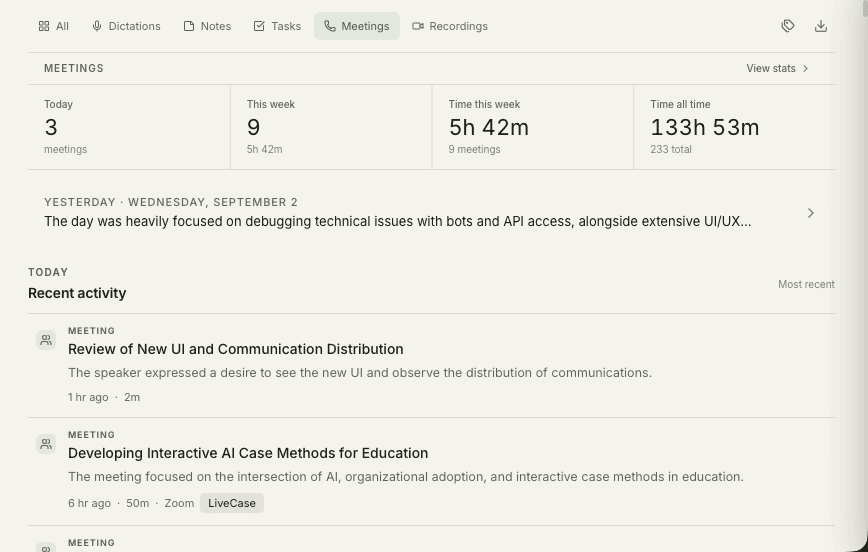
Turn everything you capture into answers.
A local library for notes, meeting summaries, voice-created tasks, and answers with sources.
Explore Understand & Organize
Turn a raw recording into something worth sharing.
A local editor for cleaning up what you captured, and export to the formats the rest of your stack expects.
Explore Editor & Export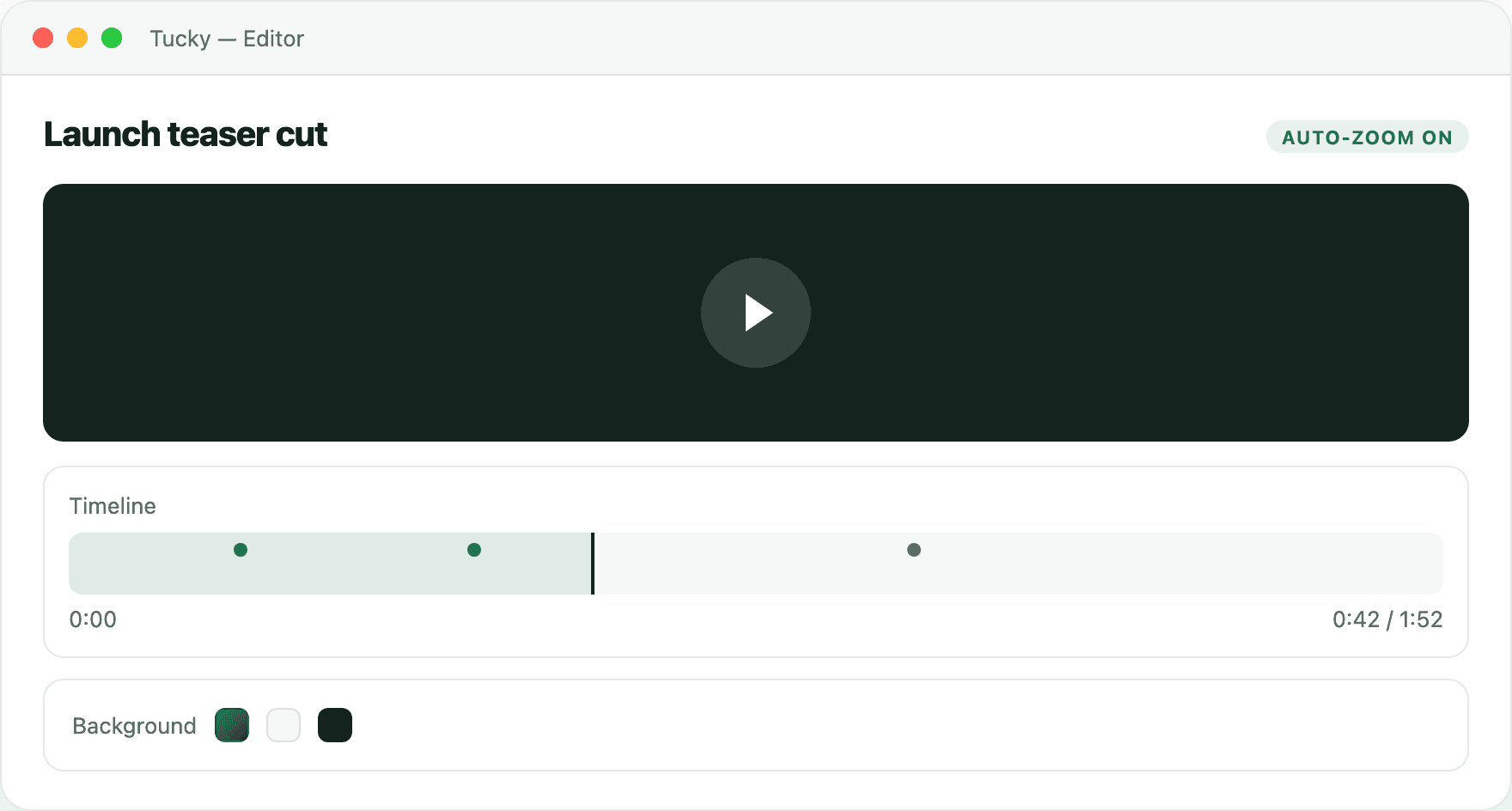
Private by default. Fast by design.
On-device models, global hotkeys, and the privacy guarantees underneath everything else.
Explore Platform & SystemFrequently asked questions
Does Tucky send my recordings to the cloud?
Transcription and built-in AI processing run locally. Exporting files, uploading to Google Drive, or giving an external AI tool access through MCP can share selected content outside the app. That tool’s own processing and storage rules then apply.
Do I need a subscription or an internet connection?
Core transcription and local AI work offline after model downloads. Google Drive uploads, downloads, updates, and external AI services need a connection.
Which Macs are supported?
The current Mac installer requires macOS 14 or later and Apple Silicon. It rejects Intel Macs. Allow several GB for model downloads; the total depends on the speech and language models you select.
Stop typing. Start talking.
Download Tucky for Mac. No Terminal or Homebrew required.
Open the DMG, drag Tucky to Applications, then open Tucky from Applications.
Developer ID signed and Apple-notarized.