 Tucky
TuckyTurn a raw recording into something worth sharing.
Trim, zoom, and polish your screen recordings, then export to MP4 or GIF — or send straight to Google Drive.
Download free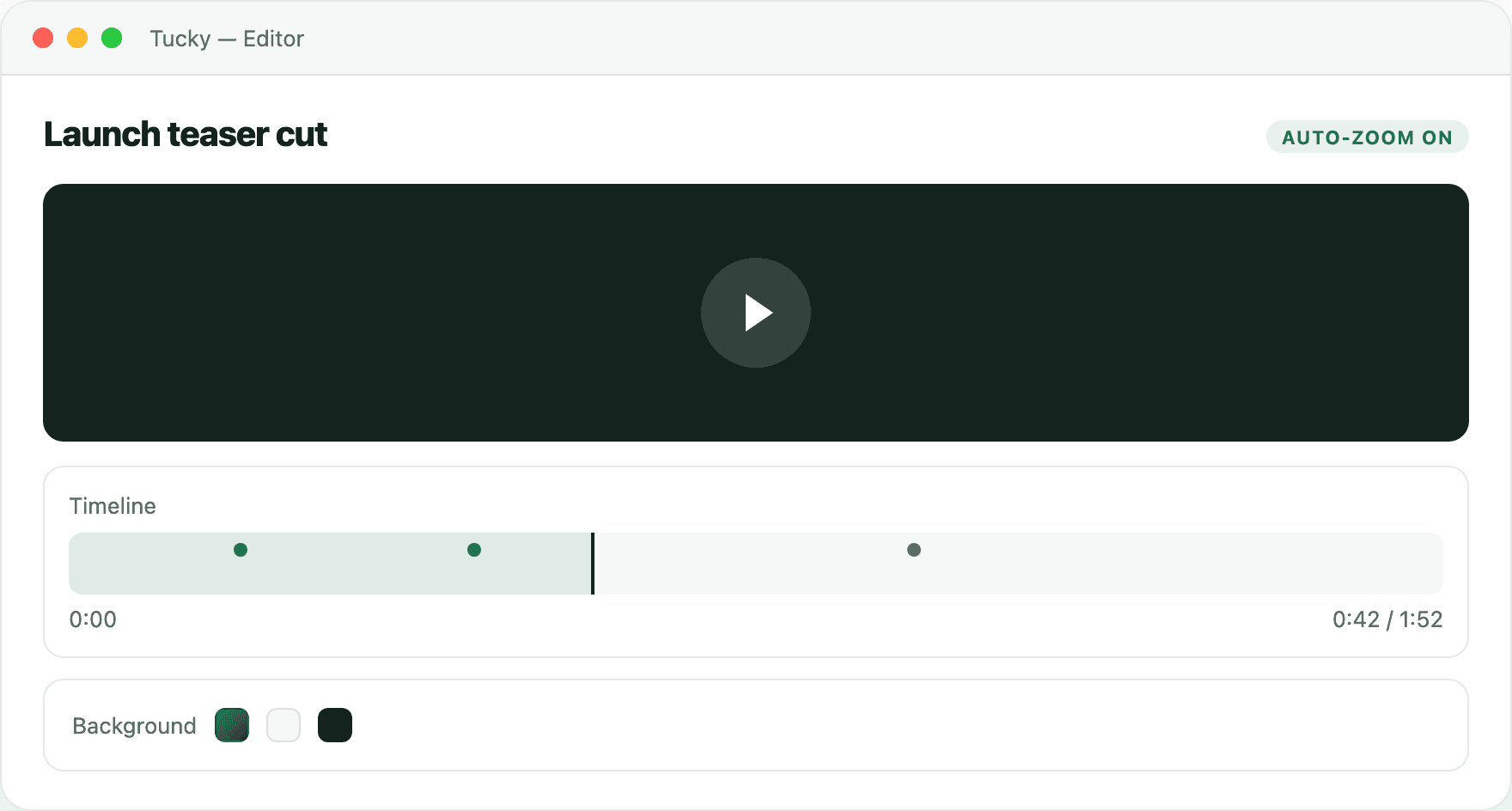
The editor is where a rough recording becomes something worth sharing. Trim and refine transcripts, clean up screen recordings, and shape the raw capture into a polished note, clip, or document.
When it is ready, export to the formats you already use — no lock-in and no cloud round-trip. What you produce is yours to take anywhere, because it never left your Mac to begin with.
Editing that looks intentional, automatically.
Auto-zoom follows the action, backgrounds frame the shot, and a simple timeline lets you trim without learning a new tool.
Ship it wherever it needs to go.
Export to MP4 for a polished share, GIF for a quick preview, or upload straight to Google Drive without leaving the app.

Frequently asked questions
Can I edit a transcript after it is recorded?
Yes. The editor lets you correct, trim, and restructure transcripts and recordings so the final version reads cleanly before you share or export it.
What formats can I export to?
Tucky exports your notes and recordings to standard formats you can drop into your existing tools, so there is no lock-in and nothing to re-create elsewhere.
Are my edits stored in the cloud?
No. Editing happens locally on your Mac, and exports are files you control. Nothing is uploaded unless you choose to send the exported file somewhere yourself.
Stop typing. Start talking.
Download Tucky for Mac. No Terminal or Homebrew required.
Open the DMG, drag Tucky to Applications, then open Tucky from Applications.
Developer ID signed and Apple-notarized.