 Tucky
TuckyYou are the whole team. Tucky is your second brain.
Dictate ideas, create voice notes and tasks, record product demos, and review your work history with local AI.
Download free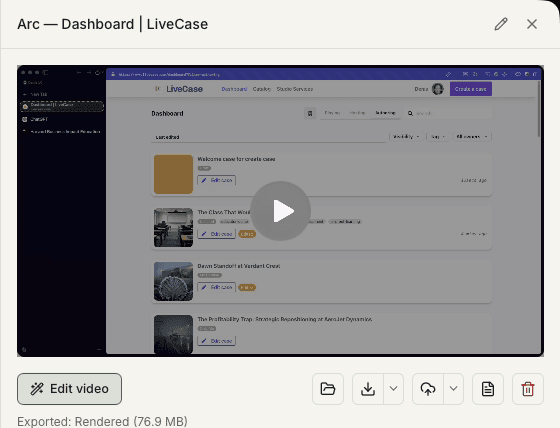
A founder’s day is made of context switches, and context switching is where thinking goes to die. The idea that arrives between a hiring call and an investor update is rarely written down, because writing it down means finding an app, a file, and four uninterrupted minutes you do not have. Speaking it takes eight seconds and survives the rest of the day.
That matters more now that so much of the work is prompting. Prompts do not need perfect wording, they need your actual reasoning, and dictating one is far closer to the speed of thought than typing it. The same capture loop that catches a prompt also catches the demo you recorded, the call you took, and the thought you had about pricing — and rolls them into something a co-founder can read.
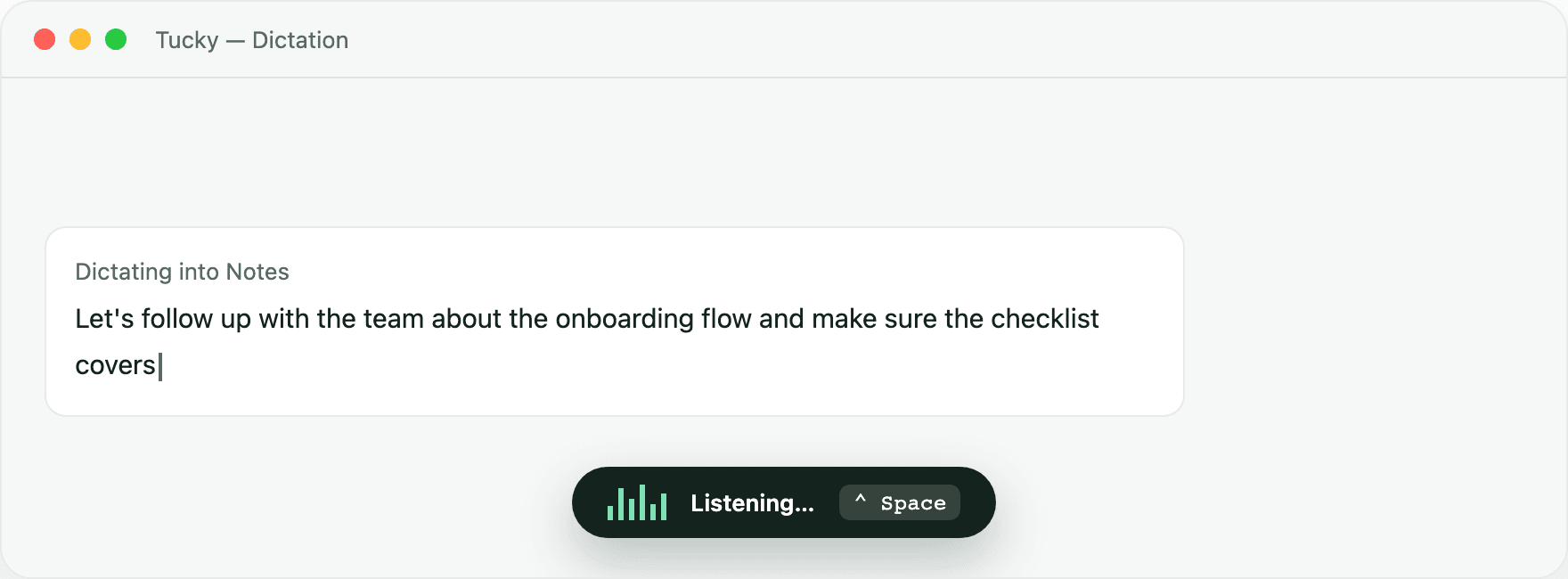
Ideas hit while your hands are full.
Push-to-talk dictation turns a passing thought into clean text the moment it happens — a prompt into ChatGPT or Cursor, a note, an email — no notebook, no app switching.
Record the demo once, reuse it everywhere.
Walk through the product on screen for an investor update or a customer onboarding — window capture, camera preview, and a countdown so it looks intentional.
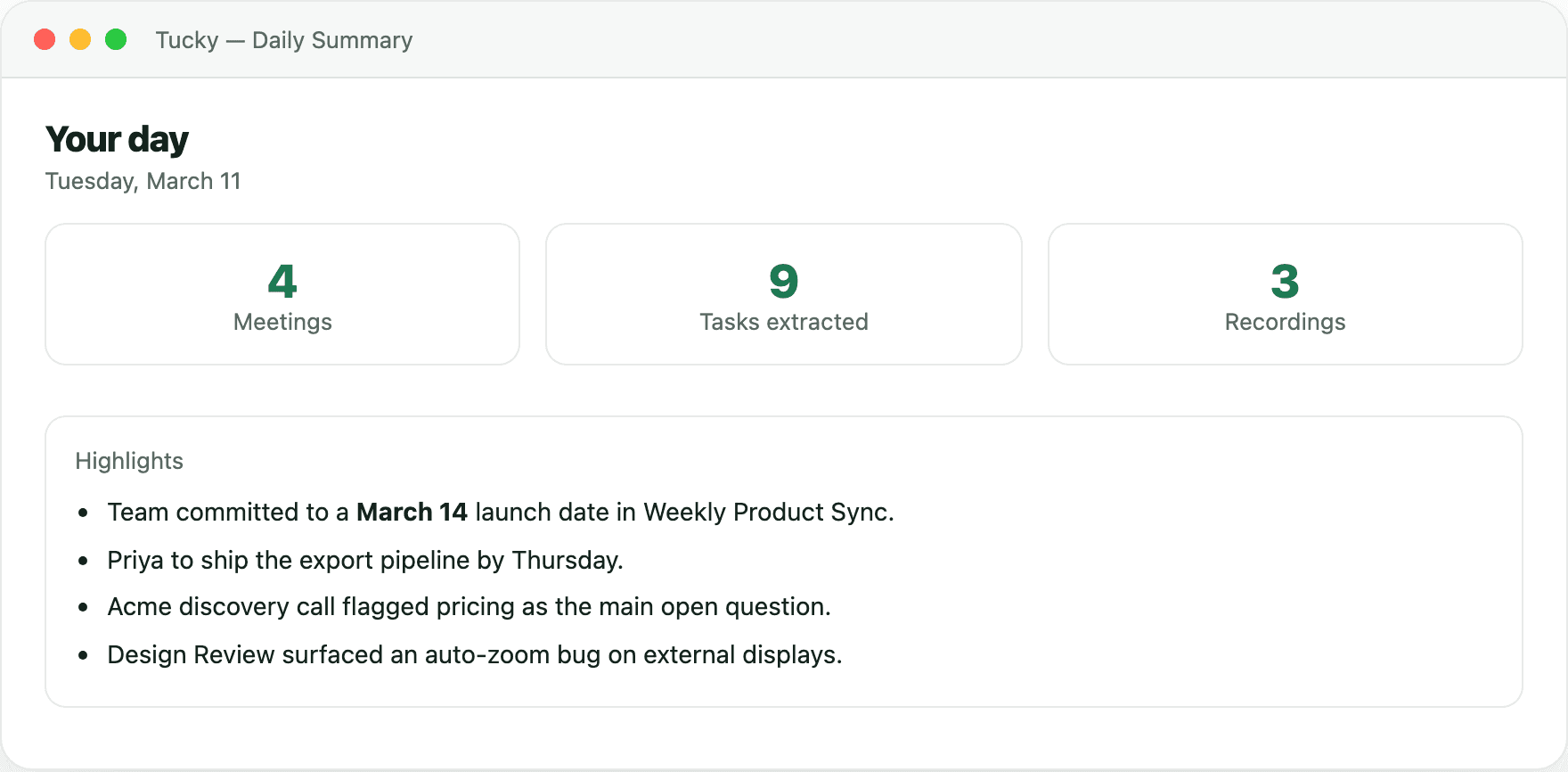
Review your week with context.
Review saved meetings, notes, and dictation history. Daily recaps are optional and still being improved; use the original records or an external AI tool connected through exports or MCP for a deeper review.
Frequently asked questions
Why dictate prompts instead of typing them?
Speaking can make it easier to include context you might omit when typing. Dictate into the active text field in ChatGPT, Claude, Cursor, or another app, then review the text. Once submitted, that app’s own data rules apply.
Can I use it solo and still share things with the team?
Yes. Everything is local by default, and sharing is an explicit export rather than a synced workspace. A daily rollup, a meeting summary, or a recorded product walkthrough can be sent to a co-founder or an investor without putting the rest of your history anywhere near a shared drive.
Is a small team’s data really private with no account?
Transcription and built-in AI processing run locally. Exporting files, uploading to Google Drive, or giving an external AI tool access through MCP can share selected content outside the app. That tool’s own processing and storage rules then apply.
Stop typing. Start talking.
Download Tucky for Mac. No Terminal or Homebrew required.
Open the DMG, drag Tucky to Applications, then open Tucky from Applications.
Developer ID signed and Apple-notarized.