 Tucky
TuckyBuilt for the way you actually work.
Pick your world — voice to text for prompting AI, live call guidance for sales, screen walkthroughs for clients, and one searchable memory behind it all.
Download free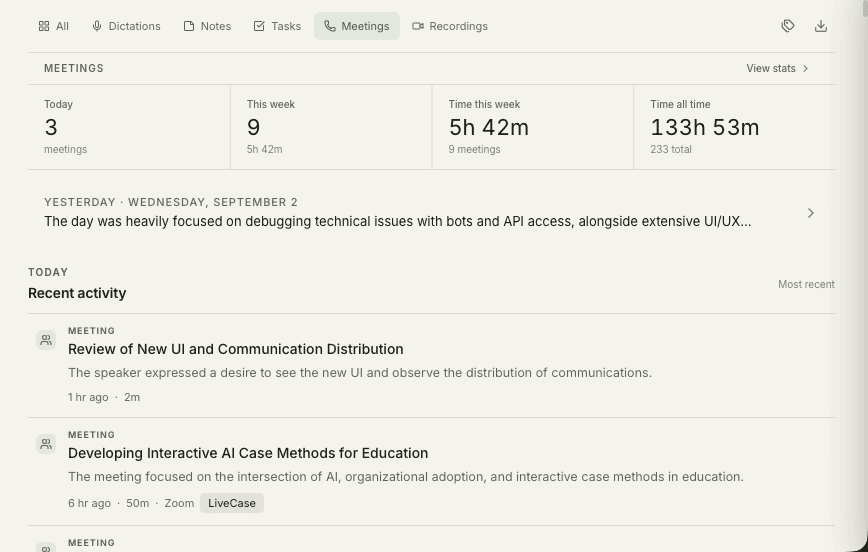
Tucky adapts to the work you already do. Consultants keep client calls off the cloud, sales teams get live call guidance and instant follow-ups, founders talk their prompts into AI and record product walkthroughs, and students build a searchable record of every lecture — all with the same local-first capture loop.
The common thread is private, on-device memory: whatever your role, the meetings you sit in and the ideas you speak out loud become an organized, searchable base of knowledge you own. Explore the paths below to see how each fits a specific workflow.
Every client call, on the record and in order.
Billable calls captured without note-taking, filed per client, and searchable across every engagement.
See how consultants use Tucky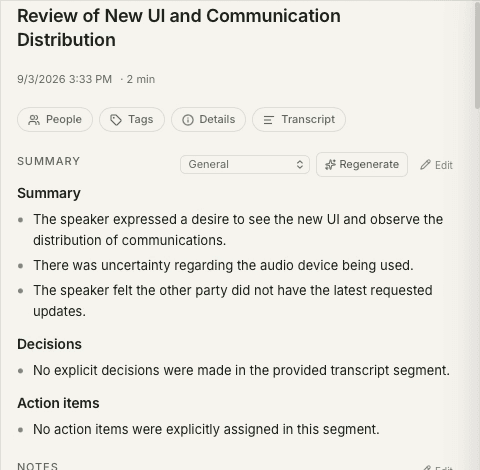
Guide the call. Review and export the notes.
Customizable meeting guides, post-call feedback, and structured notes to review and export to your sales tools.
See how sales teams use TuckyYou are the whole team. Tucky is your second brain.
Think out loud between meetings and keep the context a busy week would otherwise cost you.
See how founders use Tucky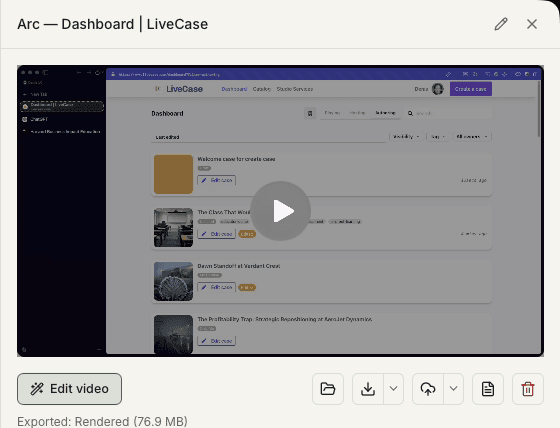
Every lecture, captured, searchable, and ready to study from.
Lectures and study sessions recorded, summarized, and searchable by the time revision starts.
See how students use Tucky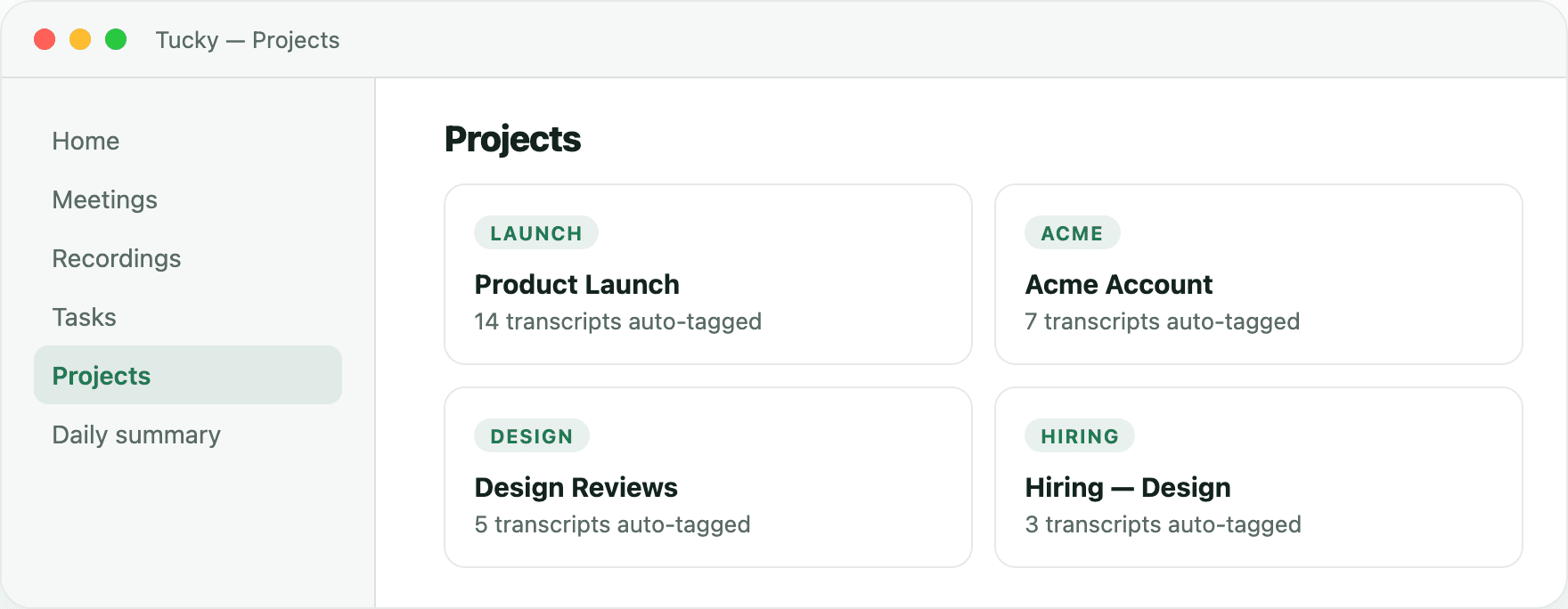
Keep your computer awake by voice
Tucky recognises the command and keeps your computer awake for the requested duration. Use it while a long-running command finishes or a queue of AI prompts works through its next steps.

Press your usual dictation hotkey and say:
“Tucky, keep my computer awake for two hours.”Frequently asked questions
Who is Tucky for?
Anyone whose work runs through conversations and recordings — consultants, sales teams, founders, students, and knowledge workers — who wants those moments captured and organized without handing the data to a cloud service.
Do I need a different setup for each use case?
No. The same capture-organize-edit loop powers every use case. The workflows differ in emphasis — client confidentiality, follow-up speed, idea capture, study notes — but the underlying private, on-device engine is the same.
Can teams use Tucky, or is it just for individuals?
Tucky runs locally on each person’s Mac, so individuals get full value on their own, and teams get the same private capture without a shared cloud repository holding sensitive transcripts.
Stop typing. Start talking.
Download Tucky for Mac. No Terminal or Homebrew required.
Open the DMG, drag Tucky to Applications, then open Tucky from Applications.
Developer ID signed and Apple-notarized.